Your employees are your first line of defense against cyber attacks. Empower them with these fundamental security practices.
The Human Factor in Cybersecurity
Despite advanced security technologies, human error remains the leading cause of data breaches. According to recent studies, over 80% of security incidents involve a human element. Training employees to recognize and respond to threats is one of the most effective security investments a business can make. Cybercriminals know that targeting people is often easier than breaking through technical defenses, which is why social engineering attacks continue to rise in sophistication and frequency.
Every employee with access to company systems, email, or data represents a potential entry point for attackers. This does not mean employees are the problem; rather, they are an untapped defensive resource. When properly trained, your workforce becomes an active threat detection network, spotting and reporting suspicious activity before it causes damage.
Password Security Best Practices
Create Strong, Unique Passwords
Weak passwords are an open invitation to attackers. Every account should have a unique password containing at least 12 characters with a mix of uppercase letters, lowercase letters, numbers, and special characters. Never reuse passwords across multiple accounts, as a single breach could compromise all your accounts. Password reuse is one of the most common ways attackers gain access to multiple systems after obtaining credentials from a single breach.
Avoid passwords that contain personal information like birthdays, names, or common words. These are easily guessed through social engineering or automated attacks. Instead, consider using passphrases consisting of random words strung together, which are both memorable and secure.
Use a Password Manager
Password managers generate and store complex passwords securely, eliminating the need to remember dozens of credentials. Popular options include 1Password, Bitwarden, and LastPass. The master password protecting your vault should be exceptionally strong and memorable. Password managers also alert you when passwords are weak, reused, or have appeared in known data breaches.
Using a password manager removes the temptation to use weak or repeated passwords because remembering complex unique credentials is no longer necessary. Many password managers also offer secure sharing features for team credentials and can automatically fill login forms, making secure authentication more convenient than insecure alternatives.
Enable Multi-Factor Authentication
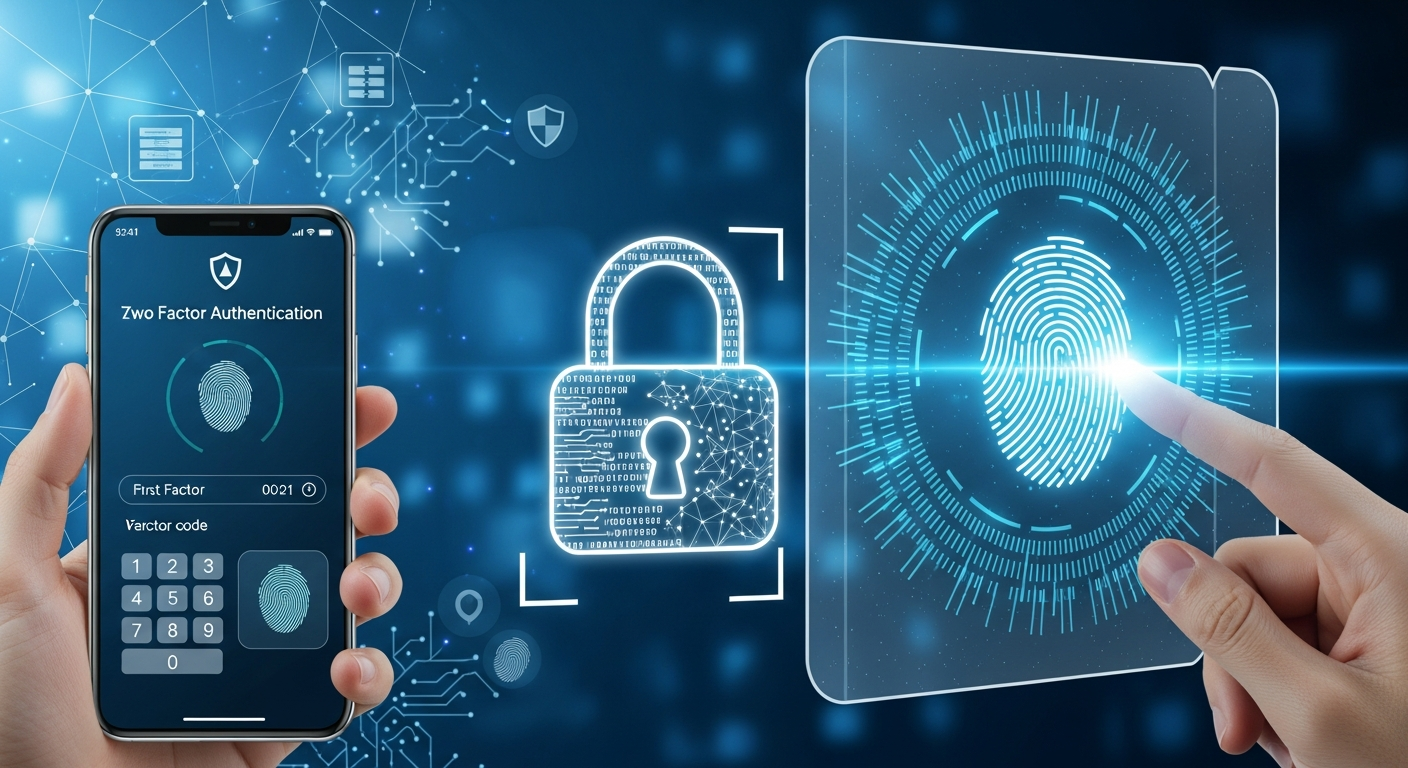
MFA adds a critical security layer by requiring a second verification method beyond your password. Even if an attacker steals your password, they cannot access your account without the second factor. Enable MFA on all accounts that support it, especially email, banking, and business applications. This single measure stops the vast majority of account compromise attempts.
Authenticator apps like Google Authenticator or Microsoft Authenticator provide more security than SMS-based codes, which can be intercepted through SIM swapping attacks. Hardware security keys offer the highest level of protection for your most critical accounts.
Recognizing Phishing Attacks
Common Phishing Indicators
Phishing emails attempt to trick you into revealing sensitive information or clicking malicious links. Watch for these warning signs:
- Urgent language demanding immediate action or threatening negative consequences
- Generic greetings like "Dear Customer" instead of your actual name
- Spelling and grammar errors that legitimate organizations would not make
- Suspicious sender addresses that do not match the claimed organization
- Links that do not match the displayed text when you hover over them
- Requests for sensitive information like passwords, financial data, or personal details via email
- Unexpected attachments, especially executable files or documents requiring macros
Verify Before Acting
If an email requests sensitive actions, verify through a separate channel. Call the organization directly using a number from their official website, not from the suspicious email. Never click links or download attachments from unexpected messages. When in doubt, navigate directly to the website by typing the address in your browser rather than clicking links.
Be especially cautious of emails claiming to be from executives or IT staff requesting urgent actions. These "CEO fraud" or "business email compromise" attacks are highly targeted and can be very convincing. Always verify unusual requests through established communication channels.
Safe Browsing Habits
Verify Website Security
Before entering any sensitive information, confirm the website uses HTTPS and displays a padlock icon. Be cautious of look-alike domains designed to mimic legitimate sites, such as "arnazon.com" instead of "amazon.com". Bookmark important sites rather than clicking links from emails. Check the URL carefully before entering credentials or payment information.
Avoid Public Wi-Fi for Sensitive Tasks
Public Wi-Fi networks are hunting grounds for attackers who can intercept unencrypted traffic. Avoid accessing banking, email, or business applications on public networks. If you must use public Wi-Fi, connect through a VPN to encrypt your traffic. Consider using your mobile phone as a personal hotspot for sensitive work when traveling.
Protecting Physical Devices
Lock Your Screen
Set your computer to lock automatically after a short period of inactivity. Always lock your screen when stepping away, even briefly. Use Windows+L on Windows or Control+Command+Q on Mac. This simple habit prevents unauthorized access when you are away from your desk.
Secure Mobile Devices
Enable device encryption and strong lock screen protection on smartphones and tablets. Install remote wipe capabilities in case devices are lost or stolen. Be cautious about apps you install and permissions you grant. Many malicious apps disguise themselves as legitimate utilities while harvesting data or providing backdoor access.
Reporting Security Incidents
When you notice something suspicious, report it immediately to your IT team. Early detection can prevent minor incidents from becoming major breaches. Common situations to report include:
- Suspicious emails or messages, even if you did not click anything
- Unexpected password reset requests you did not initiate
- Unfamiliar programs running on your computer
- Lost or stolen devices containing company data
- Unusual system behavior or performance issues
- Requests for sensitive information through unusual channels
Never feel embarrassed about reporting potential incidents, even if they turn out to be false alarms. Security teams would rather investigate ten false alarms than miss one real attack. Creating a culture where reporting is encouraged and appreciated strengthens your organization's overall security posture.
Conclusion
Cybersecurity is everyone's responsibility, not just the IT department's concern. By following these practices consistently, you become a strong link in your organization's security chain rather than a vulnerability. Stay vigilant, stay informed, and when in doubt, ask before clicking. Your awareness and caution protect not only yourself but your colleagues, customers, and the entire organization.