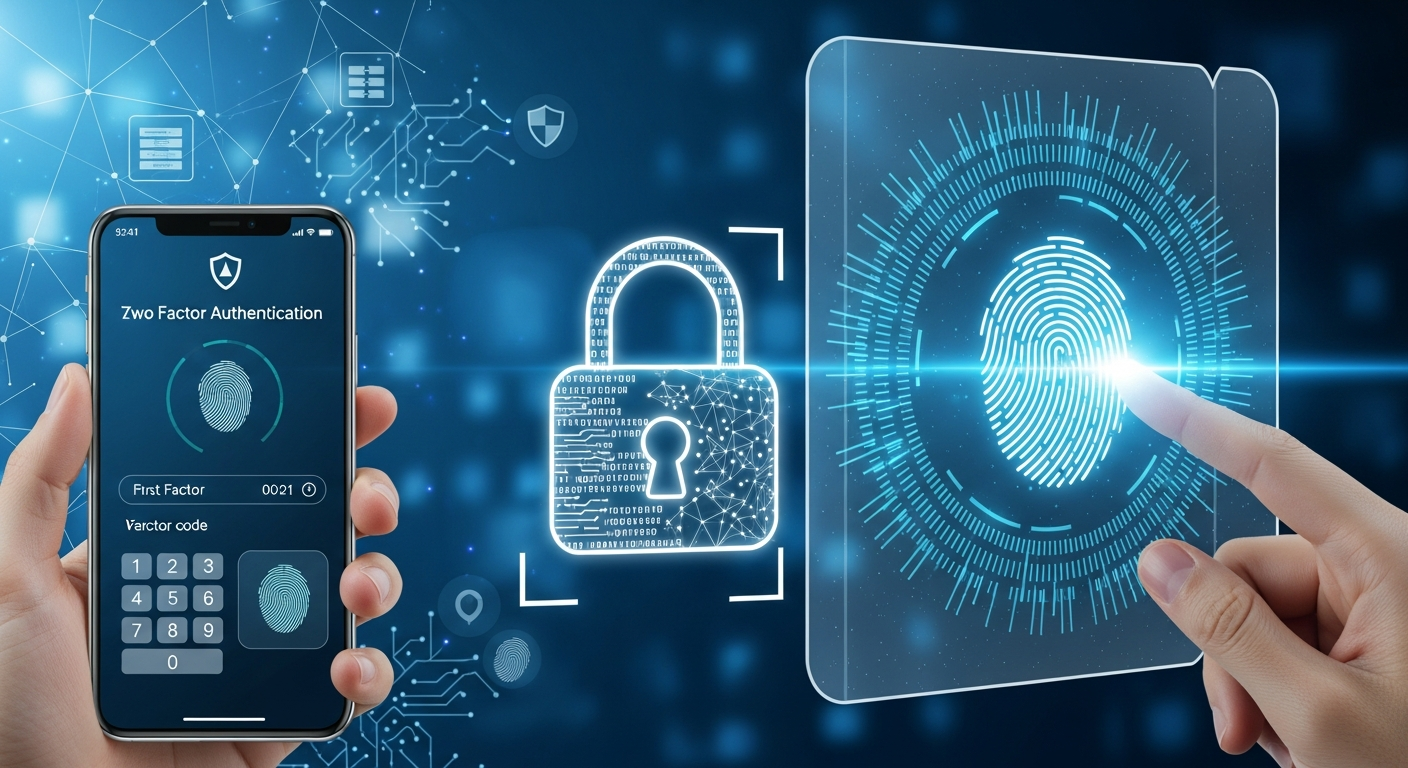
Not all second factors are equal. Some stop a stolen password; only some stop a convincing phishing page. Passkeys change the recommendation for most people.
Two-factor authentication is usually explained as adding a second step. That framing misses what actually matters, which is that the available second factors differ enormously in what they protect against. Some stop a stolen password. Only some stop a convincing phishing page.
If you set up 2FA once years ago and have not revisited it, the most important development since then is passkeys, and they change the recommendation for most people.
The threat each method actually stops
A password alone fails in three common ways: it is reused and exposed in someone else's breach, it is guessed, or it is typed into a convincing fake login page. The methods below handle those differently, and that is the whole basis for choosing between them.
SMS codes: the weakest option
A code by text message is meaningfully better than a password alone, and it is the option most likely to be attacked successfully.
The problem is SIM swapping: an attacker persuades a mobile provider to move your number to their device, after which they receive your codes. This is not theoretical; it is a well-documented attack. Codes can also be intercepted. Most importantly, a phishing page can simply ask you for the code and use it immediately.
Use SMS only where a service offers nothing better. It is a last resort rather than a target state.
Authenticator apps: a solid default
An app generating a short code that changes every thirty seconds (the default in the TOTP standard most of them follow) is a substantial improvement. The code is produced on your device rather than transmitted, so SIM swapping does not apply and there is nothing to intercept.
What it does not solve is real-time phishing. A convincing fake page can ask for your password and your current code, then use both immediately on the real site. The code is only valid briefly, but briefly is long enough for an automated relay.
This is still a good choice for most accounts and a large improvement over SMS. Just be aware of its limit.
Passkeys and hardware security keys: phishing-resistant
These are built on the same underlying standard, and their defining property is that they are cryptographically bound to the site they were created for. Your browser will not release a credential for your-bank.com to your-bank-security.com, no matter how convincing the page looks or how certain the user is.
That single property is what makes them categorically different. It removes the entire class of attack where a person is tricked into handing over a code, because there is no code to hand over.
A passkey is typically stored on your phone or laptop and unlocked with your fingerprint, face or device PIN, and it can sync across your devices through your platform account. A hardware security key is a physical device you plug in or tap, which keeps the credential on the key itself.
Passkeys are now widely supported by major platforms and by a growing number of services. Where a service offers them, they are the best available option for most people: more secure than an authenticator app and usually faster to use, because there is no code to read and type.
What to actually do
A workable order of priority:
- Enable the strongest option your most important accounts support. Passkey where available, authenticator app otherwise, SMS only if nothing else exists.
- Start with the accounts that control everything else. Email first, without exception. Password resets for every other service arrive there, so whoever controls your email controls your accounts, which is why the NCSC's 2-step verification guidance singles email out. Then your password manager, your domain registrar, your banking and your cloud administration.
- Save your recovery codes properly. Most services provide one-time backup codes when you enable 2FA. Store them somewhere you can reach without the device, such as a password manager, or printed and kept securely. Losing your phone with no recovery codes is the most common way people lock themselves out permanently.
- Register a second factor where you can. A second passkey on another device, or a spare hardware key, turns a lost phone from a crisis into an inconvenience.
The domain registrar nobody thinks about
It deserves its own mention. If someone takes control of your domain registrar account, they can redirect your website and your email at the same time, and then intercept the password resets you would use to recover anything else. Recovery is slow and involves proving ownership while the attacker holds it.
It is among the highest-value accounts you own and is frequently the one with the weakest protection, because it was set up once years ago and never revisited.
Rolling it out across a business
Two practical points determine whether this succeeds.
First, enforce it centrally rather than asking. Where your identity provider or business subscription supports mandatory multi-factor authentication, use it. Voluntary adoption stalls at the people who are busiest, who often have the most access. Enforcing it centrally, and running the account recovery process that has to go with it, is the kind of work our IT support plans cover.
Second, plan for staff turnover and lost devices before they happen. Decide who can reset a factor, and how they will verify the person requesting it. This process is itself a target: an attacker calling your helpdesk claiming to have lost a phone is a well-established technique. Verification should not rely on information an attacker could find. Designing that process sensibly is something our IT consultancy team can help you write down before it is tested for real.
Shared accounts are the awkward case. Where possible, replace them with individual accounts, which is better for accountability anyway. Where genuinely unavoidable, a business password manager that supports shared credentials with per-user access is the least bad option.
Frequently asked questions
Is 2FA really necessary if I have strong passwords?
Yes. Password strength protects against guessing. It does nothing if the password is exposed in another service's breach or typed into a phishing page. Those are the common failures, and a second factor is what breaks them.
What if I lose my phone?
This is what recovery codes and a second registered factor are for. Store recovery codes somewhere independent of the device, and register a backup where the service allows. Passkeys that sync through your platform account are generally recoverable by signing in on a new device.
Are passkeys safe if my phone is stolen?
A passkey requires your biometric or device PIN to use, so a stolen unlocked phone is the real risk rather than the passkey itself. Keep a device passcode enabled and enable remote wipe. This is a stronger position than SMS codes, which arrive on the lock screen of a stolen phone.
Should we use SMS if that is all a service supports?
Yes. SMS 2FA is considerably better than none. Treat it as a stopgap, and if the account is important, ask the provider when they will support app-based or passkey authentication. It is a reasonable factor when choosing between suppliers.
Does 2FA slow people down?
Less than expected, and passkeys are often faster than typing a password. Most business systems allow a device to be remembered for a period, so the prompt appears occasionally rather than constantly. The friction is far smaller than an account compromise.
The short version
Turn on the strongest factor each service offers, starting with email and your domain registrar. Prefer passkeys where available, authenticator apps where not, and SMS only when there is no alternative. Save your recovery codes somewhere you can reach without your phone.
That closes off the most common routes to account compromise. It sits alongside the other controls in our small business cybersecurity checklist. If you would like help rolling it out across a team, including the recovery process that goes with it, get in touch and we will scope it with you.