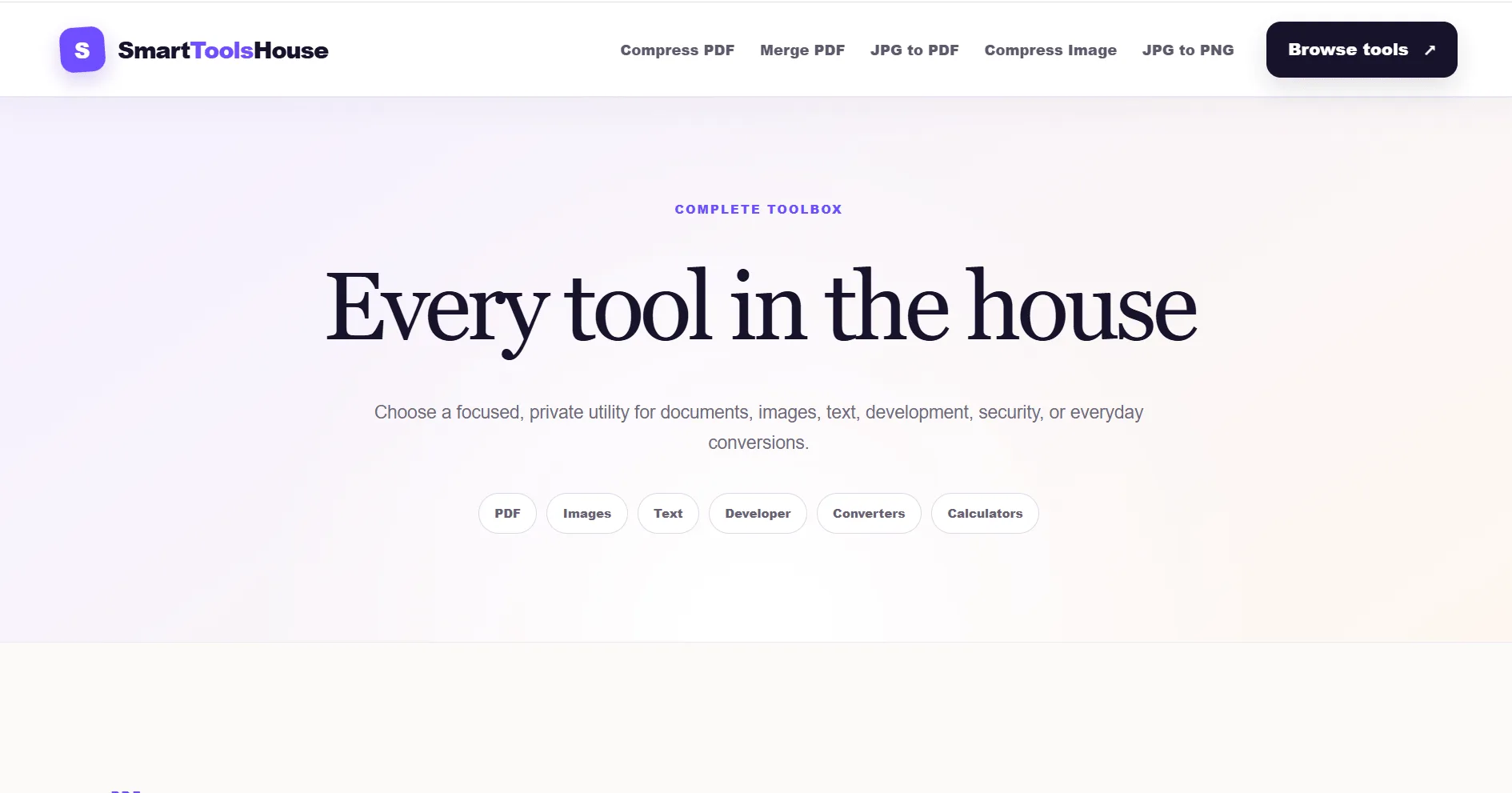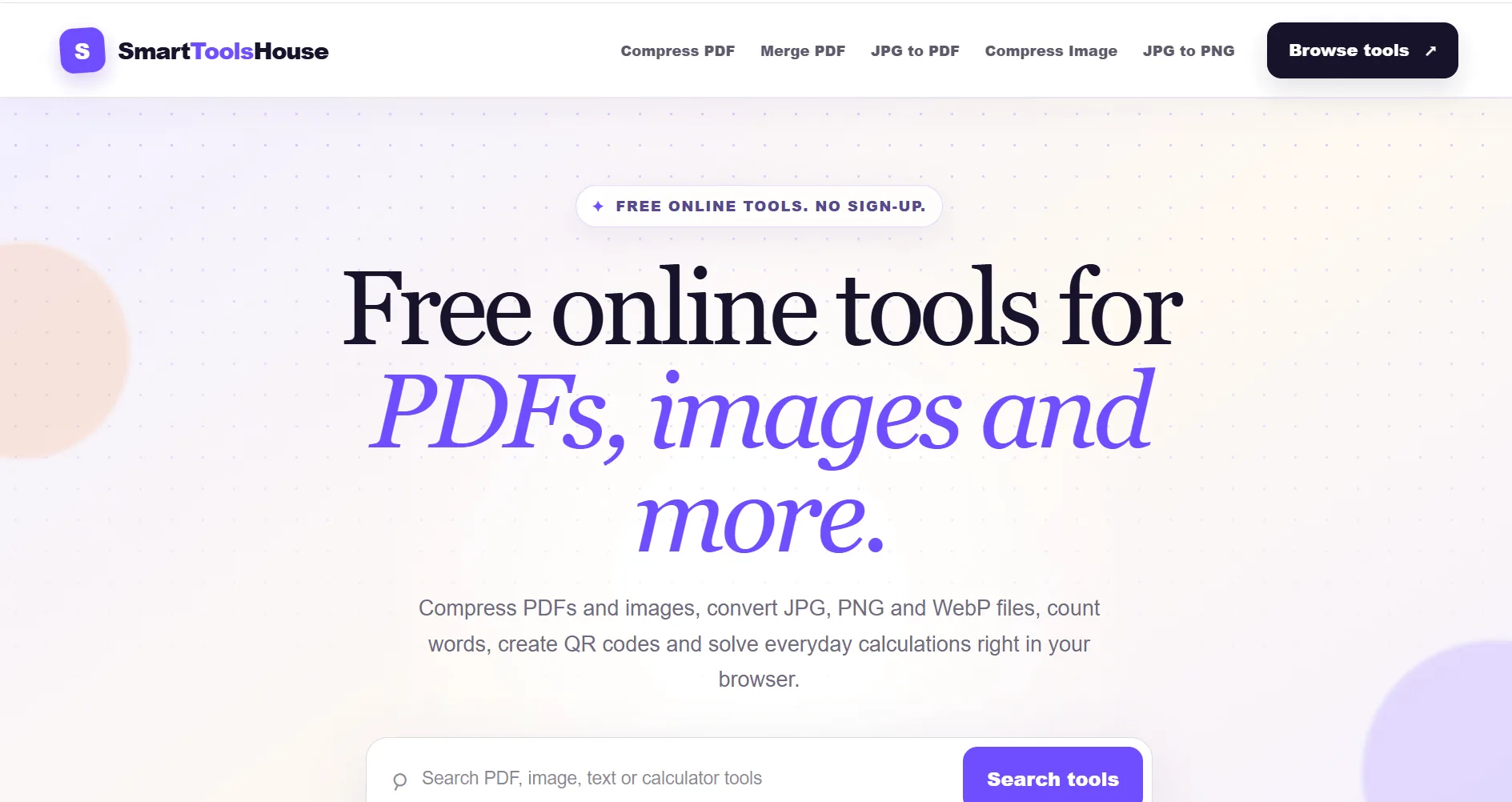
A suite of 47 free online PDF, image and text tools that run entirely in the browser — no uploads, no accounts — with every tool prerendered as its own search-optimised page.
Project Overview
Smart Tools House is a suite of 47 free online tools for working with PDFs, images, text and everyday conversions — compressing a PDF, converting JPG to PNG, counting words, generating a QR code, calculating a percentage. No account, no paywall, no sign-up.
It is a custom web application rather than a website. Every tool is a working utility, and the interesting part of the build is not the interface — it is where the work happens.
The files never leave your device
Almost every competitor in this space works the same way: you upload your file to their server, they process it, you download the result. Which means your document — possibly a contract, a passport scan, a medical form — has been sitting on somebody else's machine.
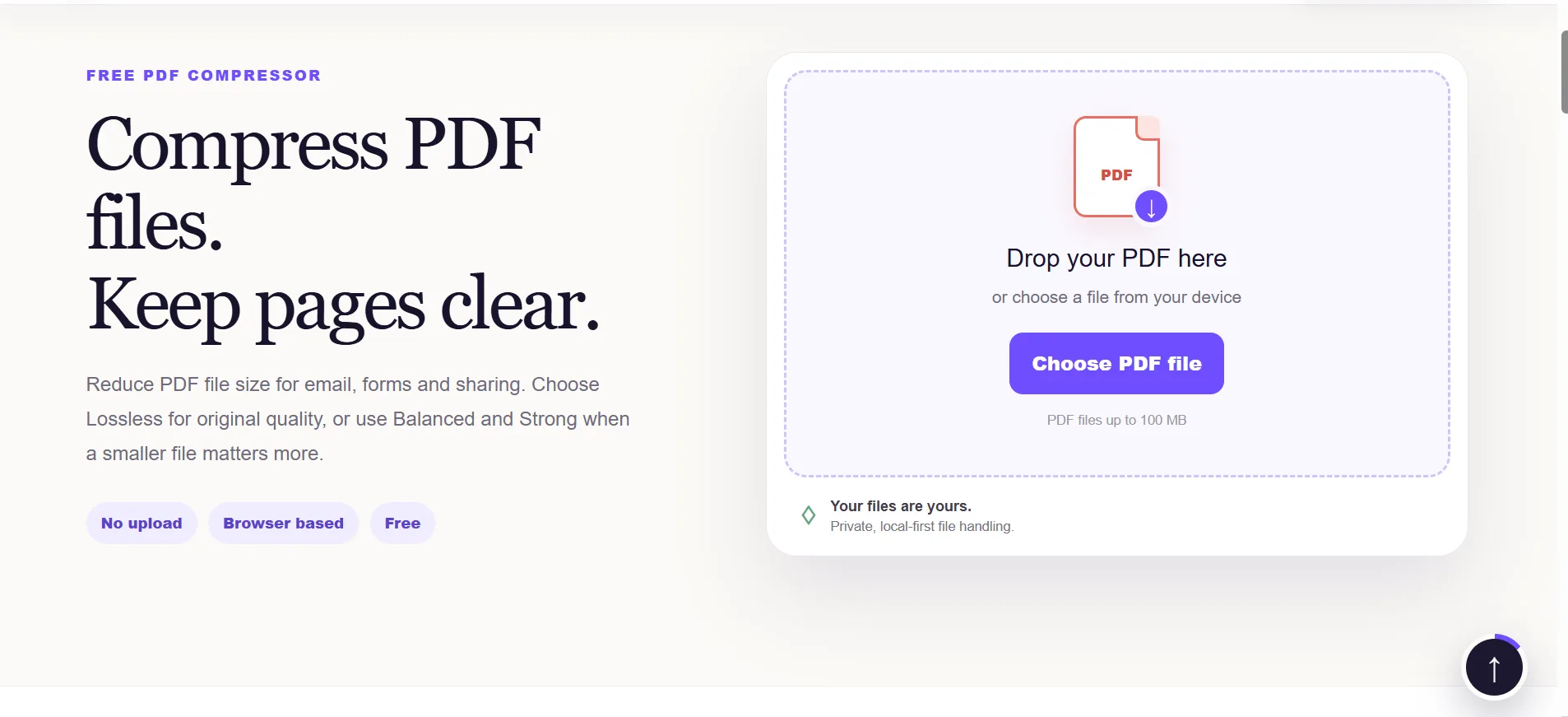
Smart Tools House does the processing in the browser. The file is read locally, compressed or converted locally, and handed straight back. Nothing is uploaded, so there is nothing to store, nothing to leak and nothing to delete.
That is a deliberate engineering decision with real consequences:
- Privacy is structural, not a promise. The site cannot misuse your files because it never receives them.
- No server cost per operation, so the tools can genuinely be free rather than free-with-a-daily-limit.
- Speed — a 100MB PDF does not need to travel to a server and back over a mobile connection.
- It works on a bad connection, because the heavy lifting is happening on the device.
Getting this right is harder than the server-side version. PDF and image manipulation in the browser means working within the browser's memory limits and keeping the interface responsive while a large file is being processed.
47 tools, six ways in
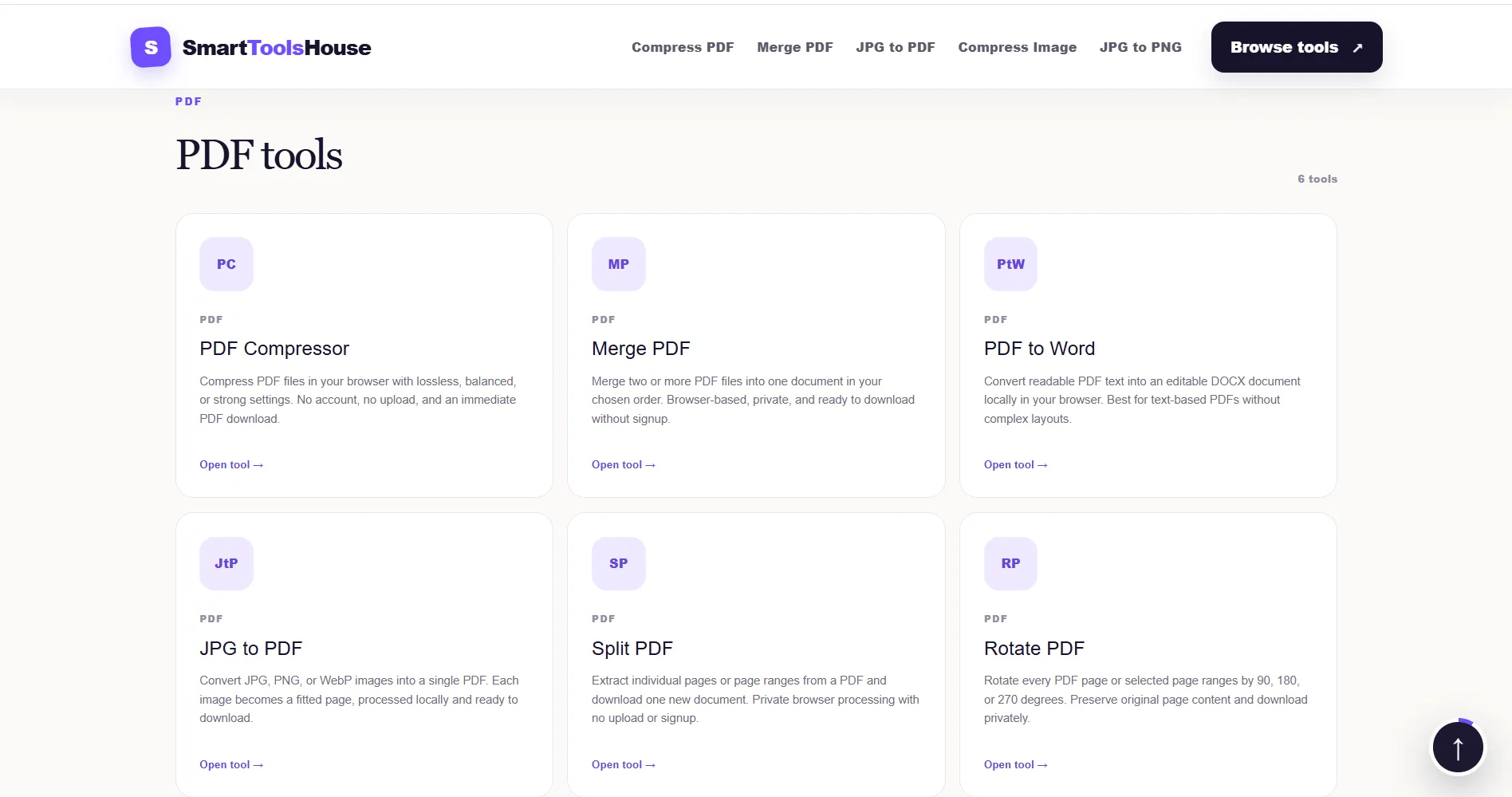
The tools are organised into PDF, Images, Text, Developer, Converters and Calculators, and there are three routes to any of them: a search box on the homepage, the five most-used tools pinned in the header, and a full browsable toolbox.
Each tool page does one job. There is no dashboard to learn and no upsell between the visitor and the thing they came to do — drop a file, get a file.
Built to be found, one tool at a time
This is the part that makes the project commercially interesting. Nobody searches for "online tool suite" — they search for "compress pdf" or "jpg to png". So every one of the 47 tools is its own page at its own URL, each prerendered as real HTML with its own title, meta description, canonical tag, heading and structured data.
That means 47 separate entry points from search, each one matching a specific thing somebody is actually typing into Google, rather than a single homepage trying to rank for everything at once. This is programmatic SEO done properly — the pages are prerendered rather than rendered by JavaScript after load, so a crawler sees the full content immediately.
The build
The front end is built with a modern JavaScript toolchain (Vite) and prerendered to static HTML per route, which is why the pages load fast and index cleanly while the tools themselves stay fully interactive.
If you need a custom web application built — something with real functionality rather than pages of content — tell us what you have in mind and we will come back with a fixed price and a realistic timeline.
Screens from the project